Skip to content

NFC Business Cards for Companies and Teams

One dashboard for every employee's card: your brand on all of them, new starters in minutes, and leads from every tap.
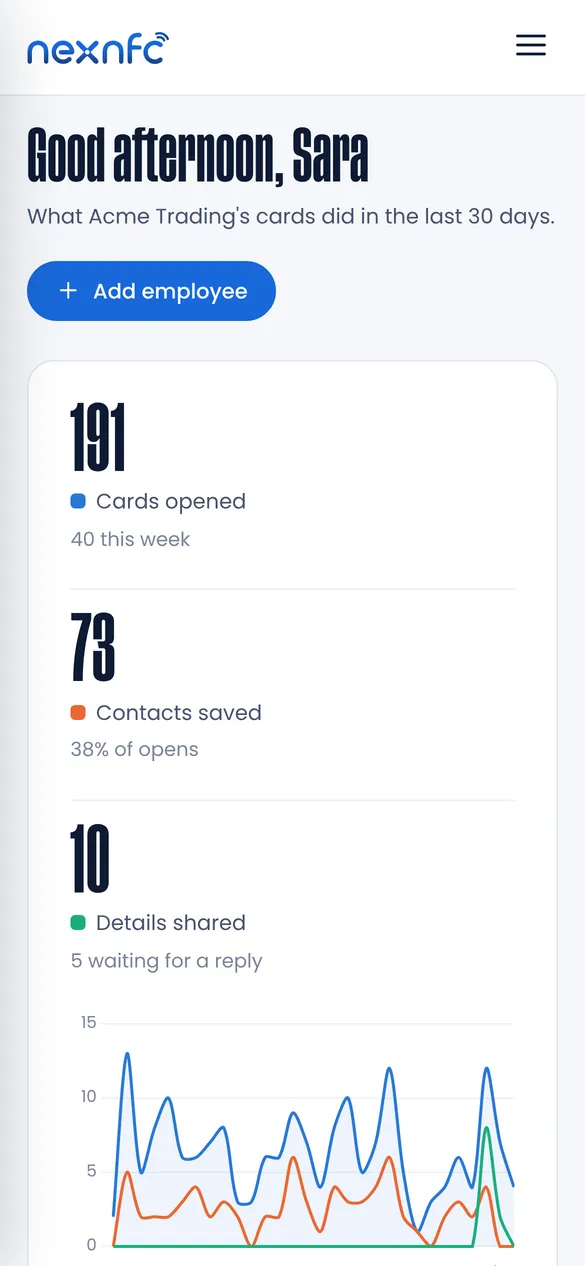
admin.nexnfc.com
OverviewEmployeesAnalytics
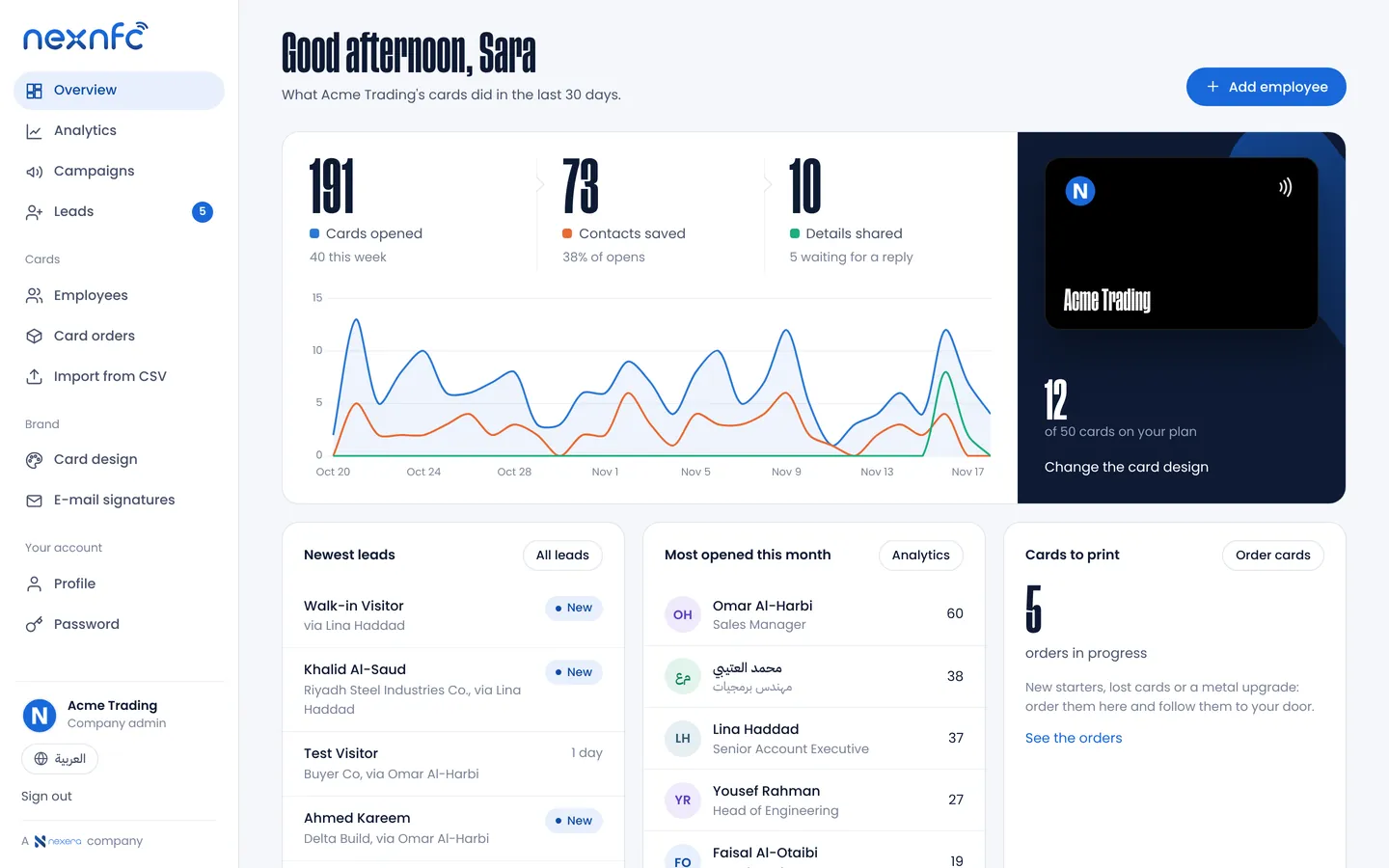
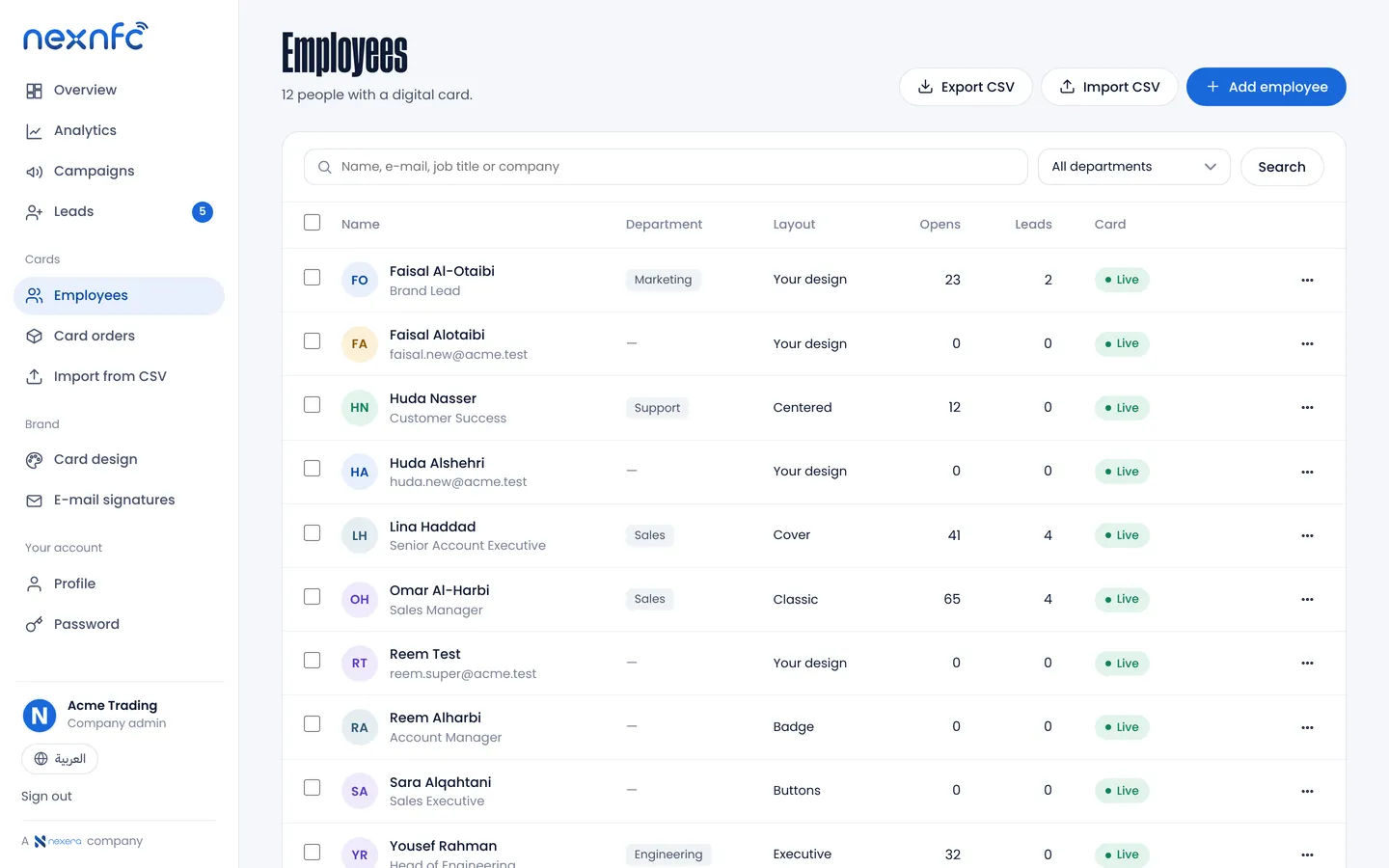
NexNFC dashboard: overviewNexNFC dashboard: employeesNexNFC dashboard: analytics
The NexNFC dashboard on a phone
New lead from Lina's cardSent to Lina and your sales inbox
Company design lockedEvery card stays on brand
Every screen

Built for the people who run the cards.

Admins, team leads and employees each get the screens they need, in English or Arabic.

Your team

Add everyone in minutes.

Add people one by one, or upload a spreadsheet and create every card at once. Invite employees to edit their own card, and switch a card off the day someone leaves.
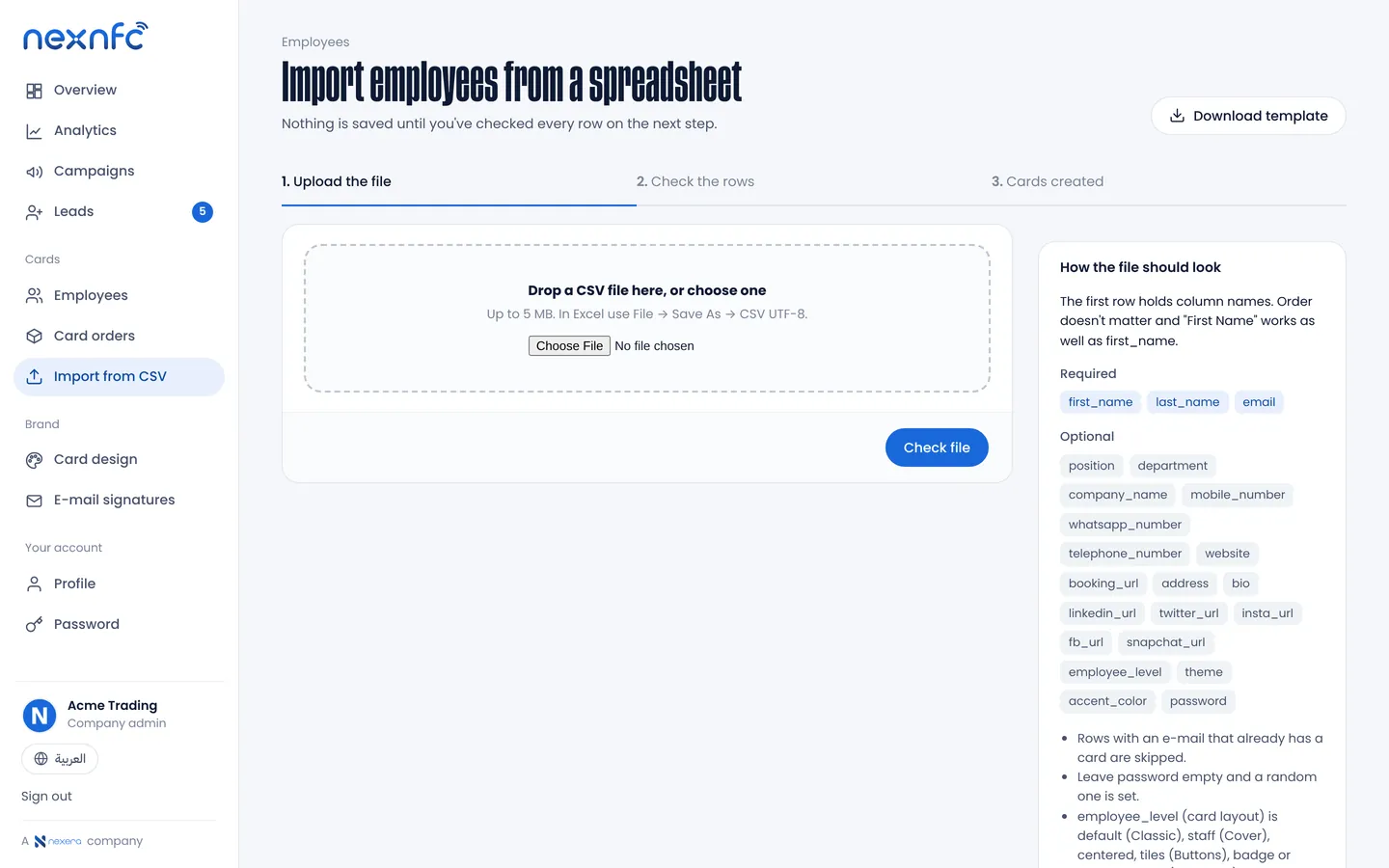
  • Import from a CSV file
  • Invite employees to edit their card, or keep it locked
  • Give a lost card's link to someone new
admin.nexnfc.com
Importing employees from a spreadsheet in the NexNFC dashboard
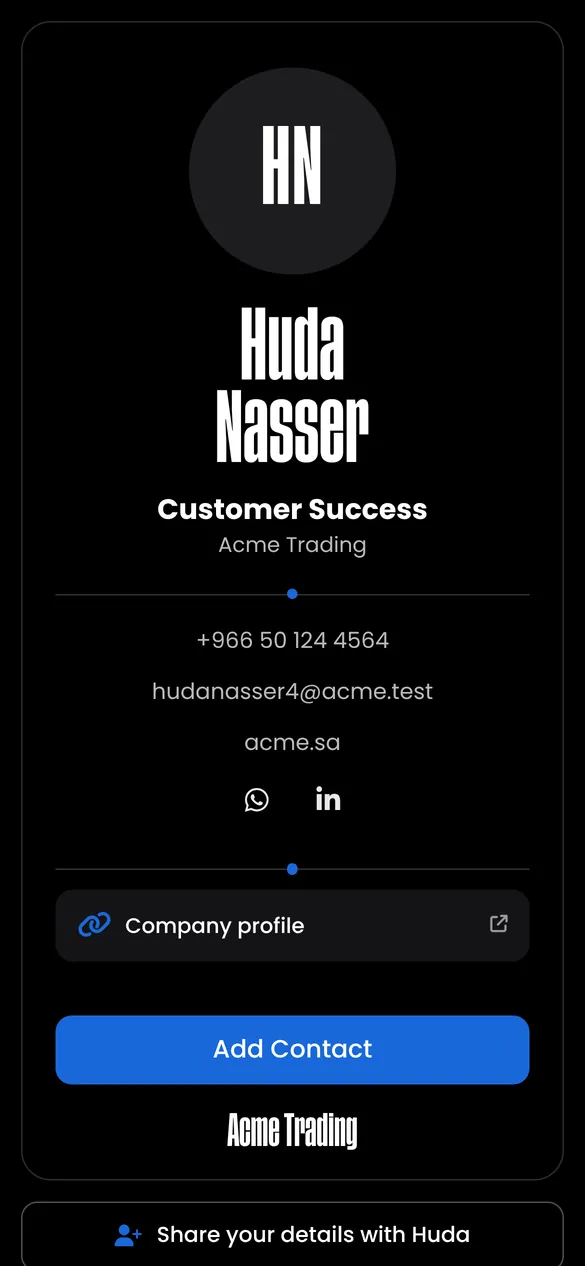
A new employee's digital card
Your brand

One design on every card.

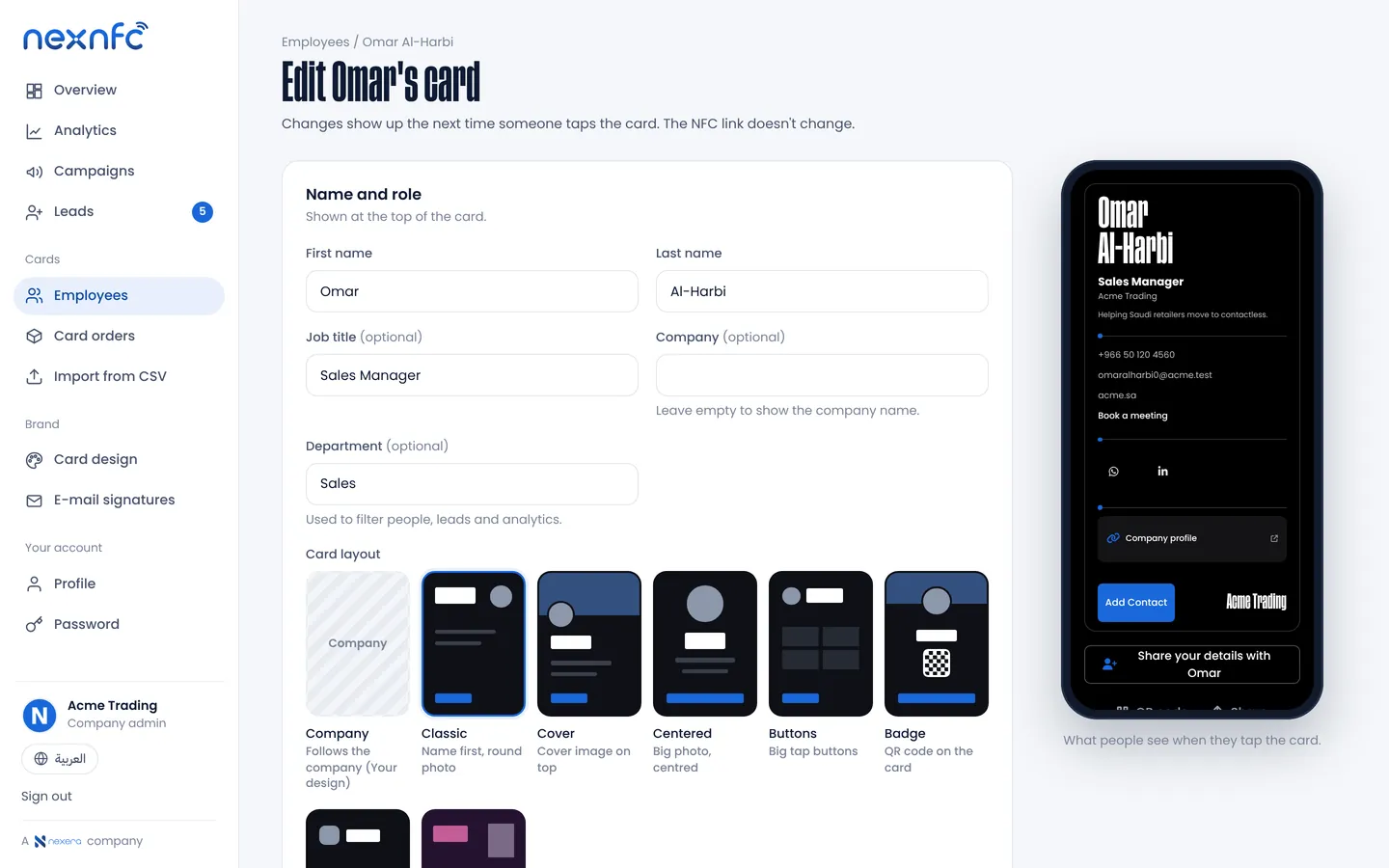
Pick a layout and your colours, add your logo and cover, and lock it so every employee's card looks the same. Or arrange the blocks yourself with Your design.
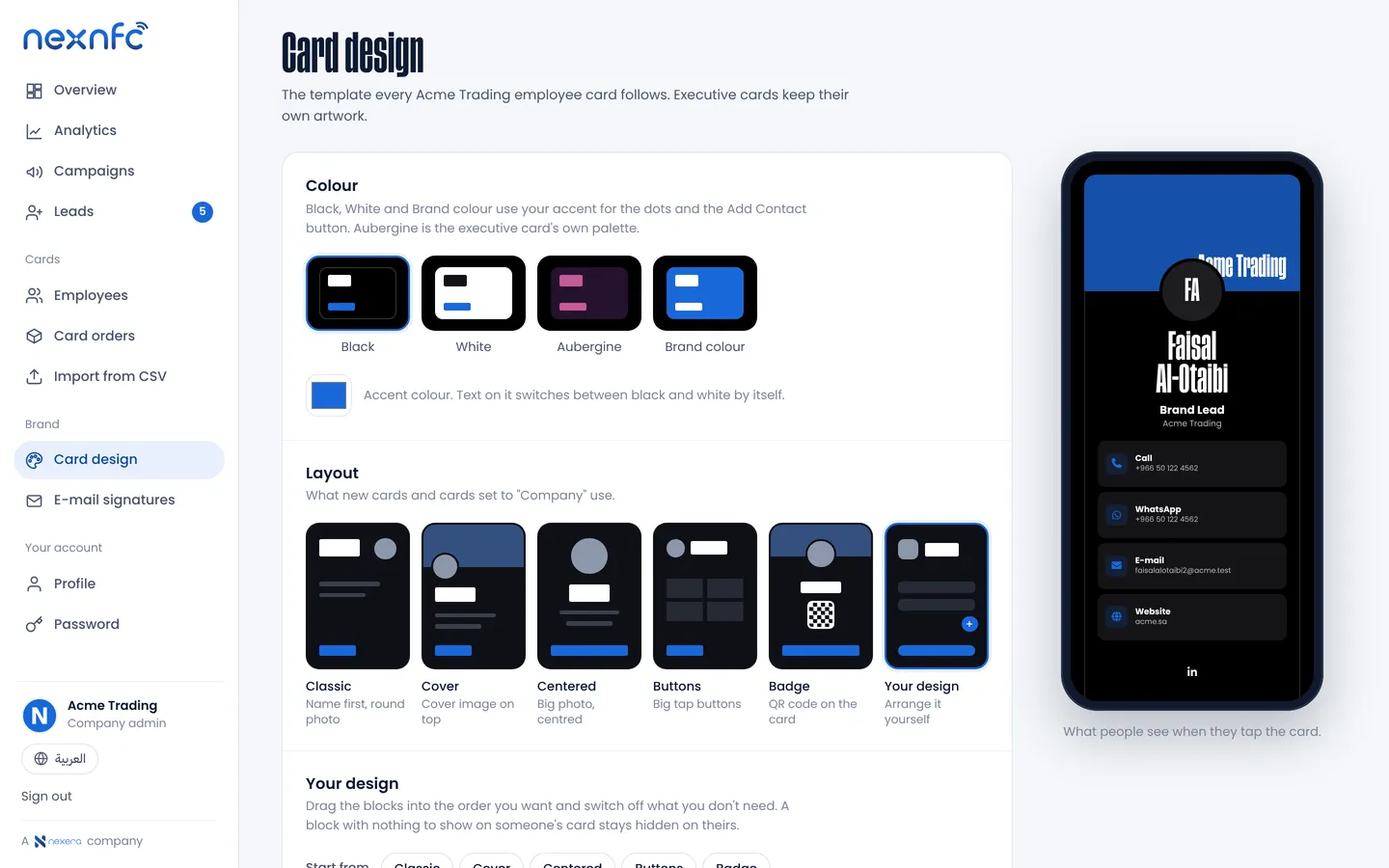
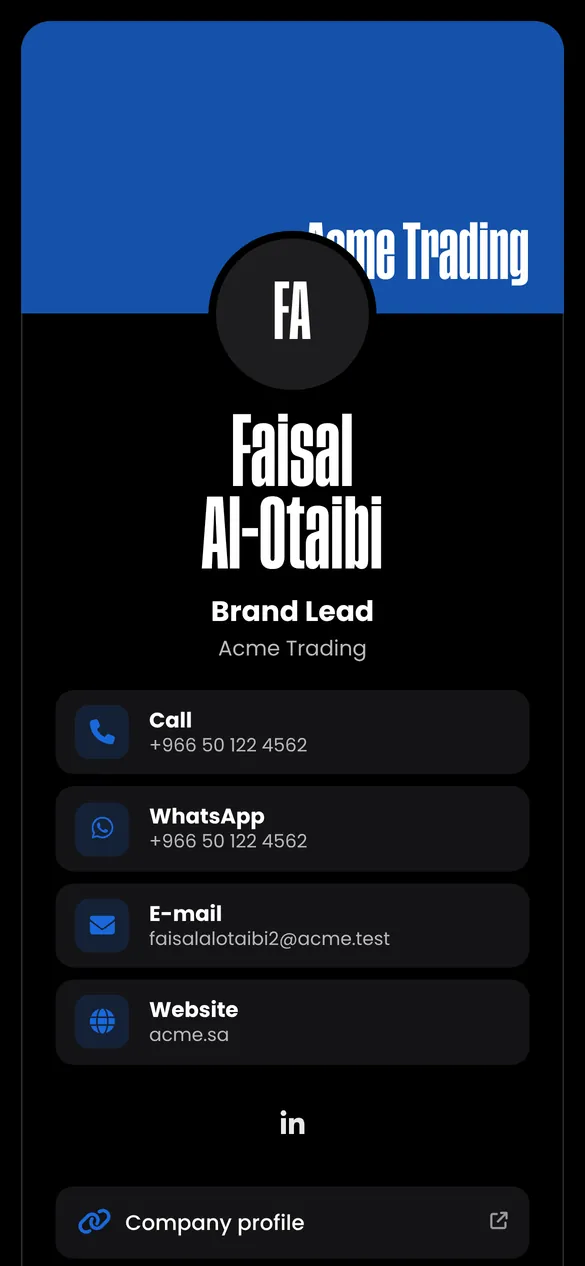
  • Six card layouts, or build your own
  • Black, white, aubergine or your brand colour
  • Company links and files on every card
admin.nexnfc.com
The company card design page in the NexNFC dashboard
A card in the company design
Leads

Every tap can bring a lead.

Visitors share their details from your card. The card owner and the company get them by e-mail and in the dashboard, ready to follow up.
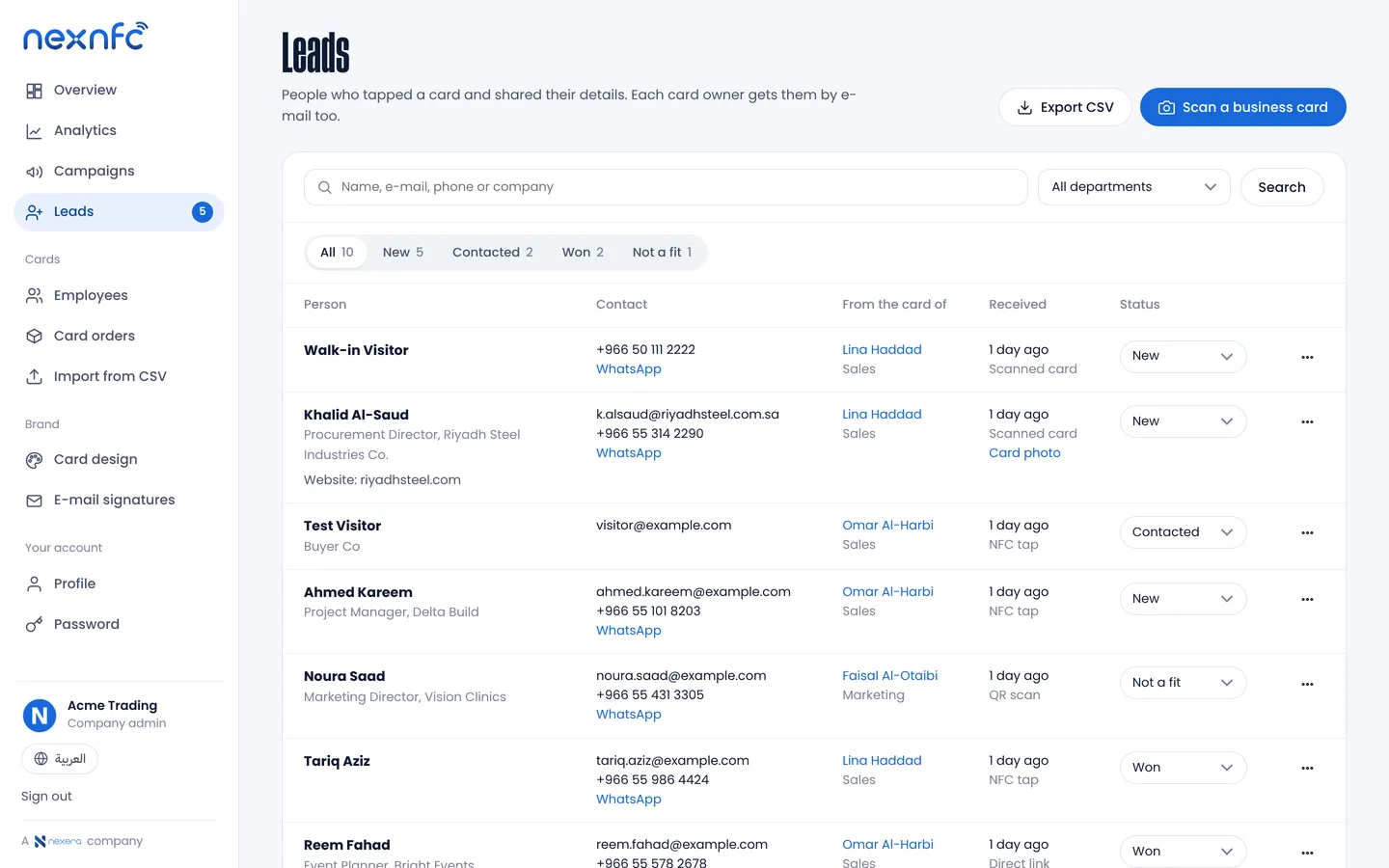
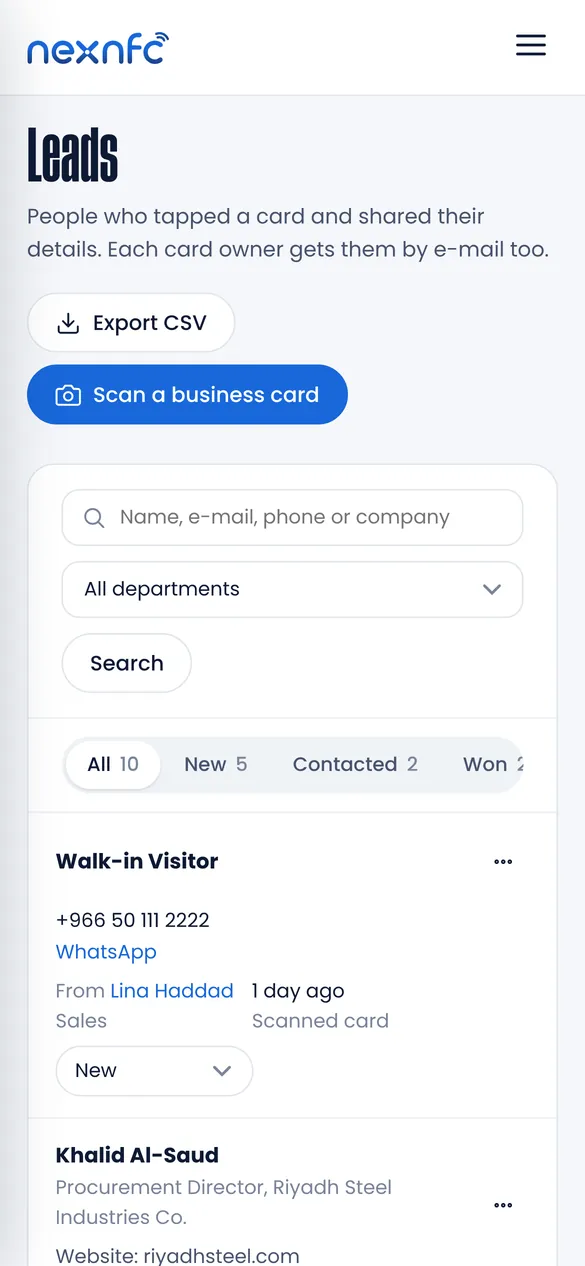
  • Statuses from New to Won
  • Export to CSV for your CRM
  • Scan paper business cards into leads
admin.nexnfc.com
The leads list in the NexNFC dashboard
The leads list on a phone
Analytics

See what works.

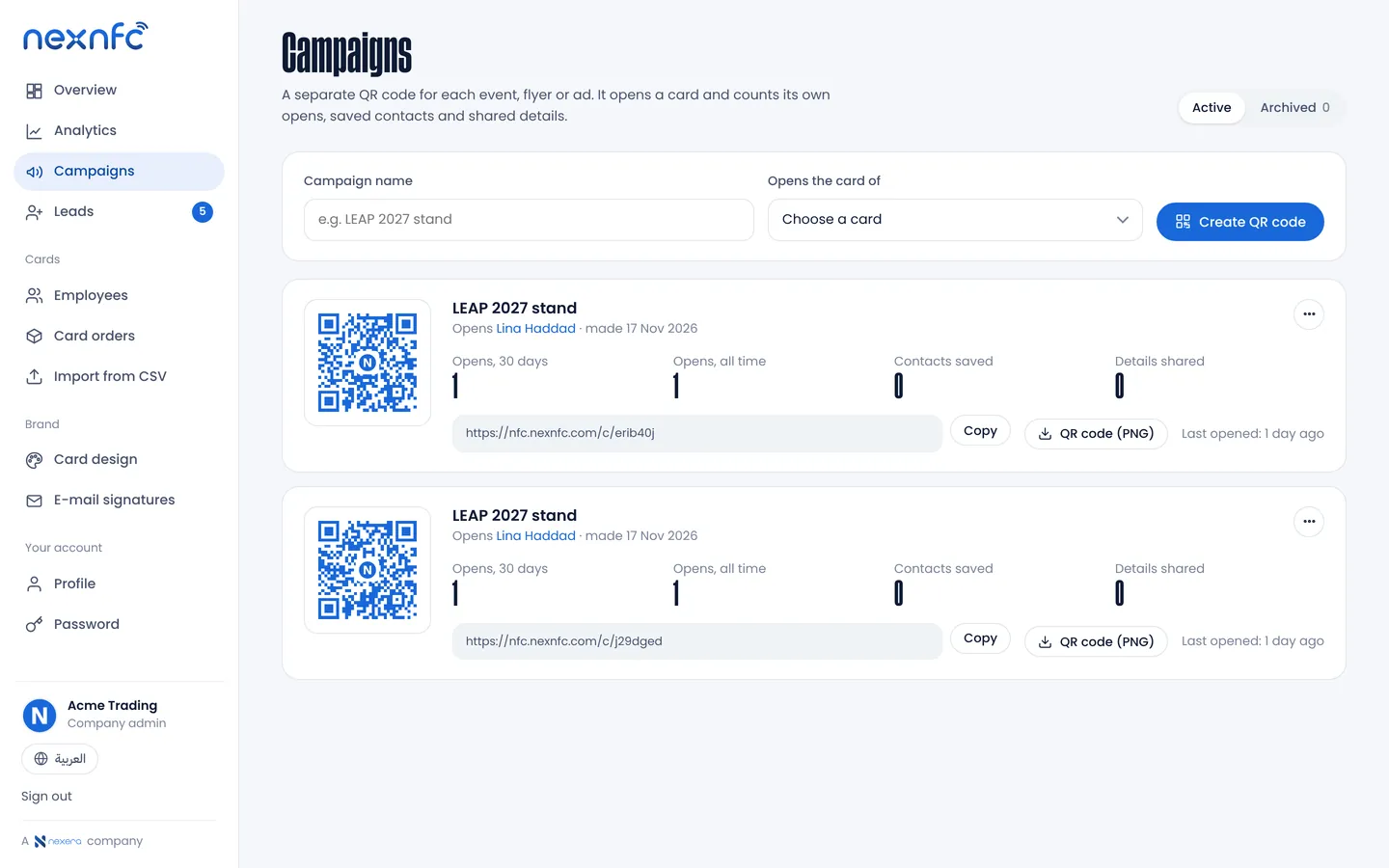
Opens, saved contacts and shared details for each person, department and campaign. Campaign QR codes show what a stand, flyer or event brought in.
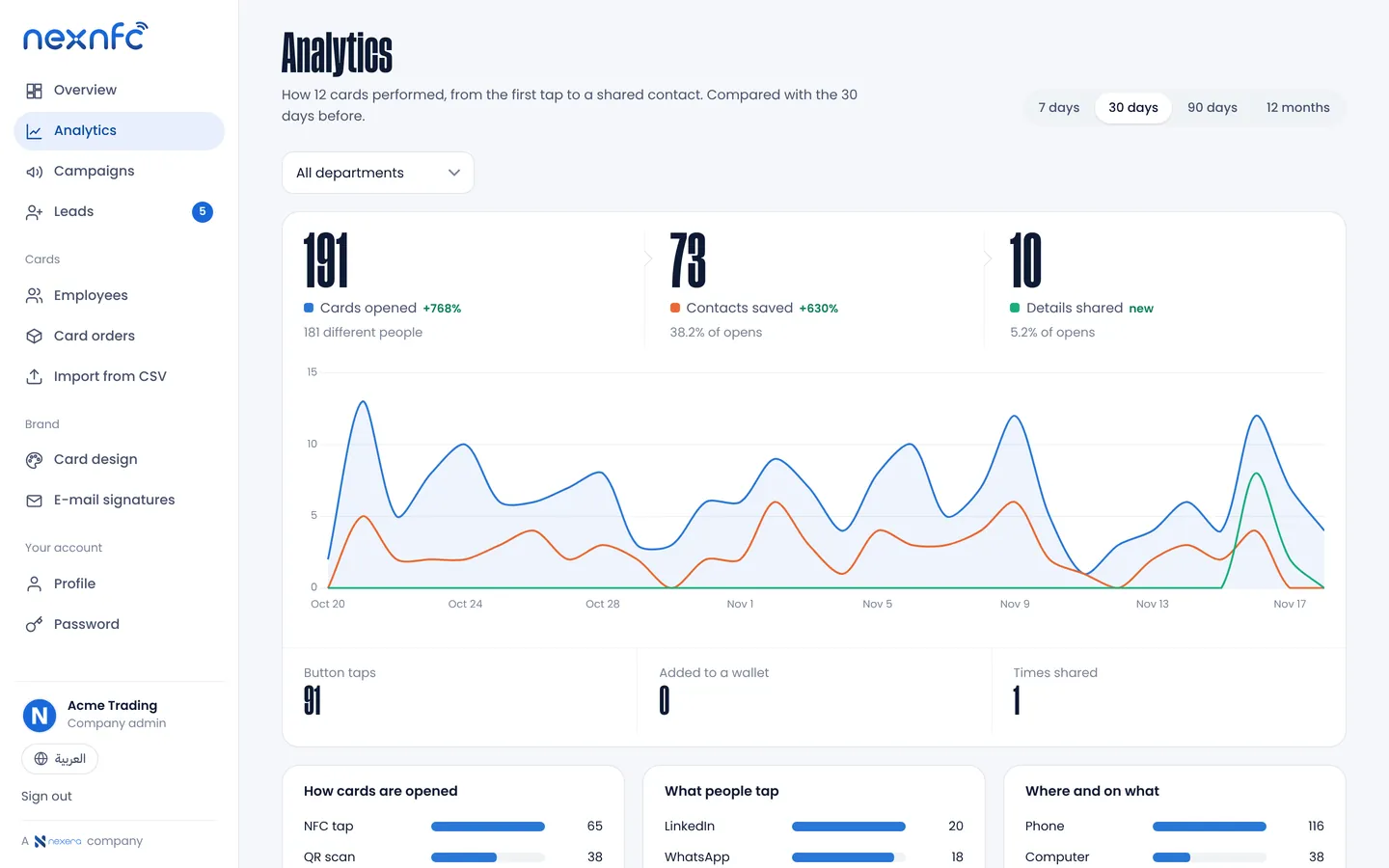
  • Compare the last 7, 30 or 90 days
  • How cards are opened: tap or QR
  • Campaign codes for events and print
admin.nexnfc.com
Card analytics in the NexNFC dashboard
Beyond the card

Signatures, backgrounds and wallet passes.

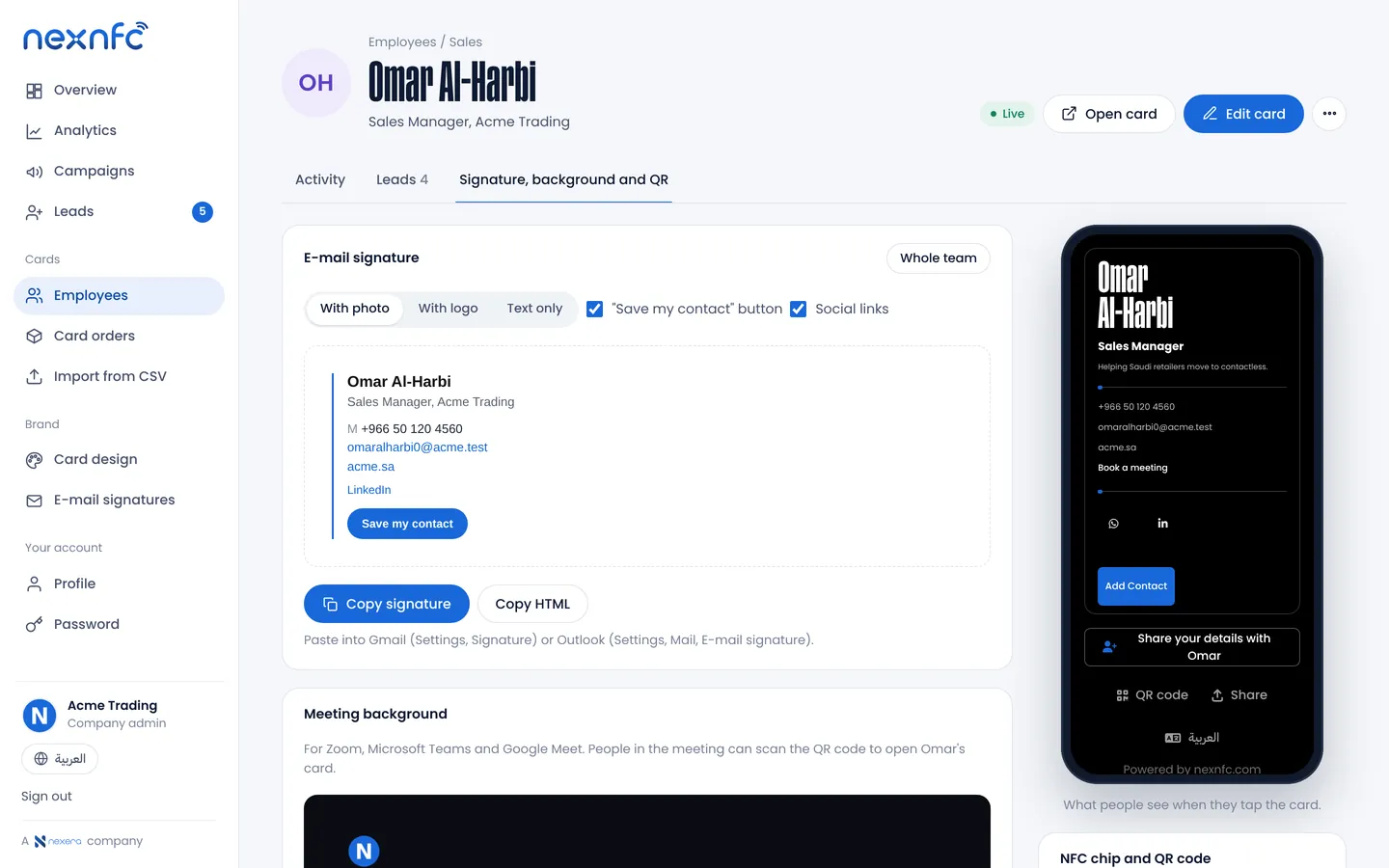
Every employee gets a matching e-mail signature, a meeting background with their QR code, and Apple and Google Wallet passes, sent from the dashboard.
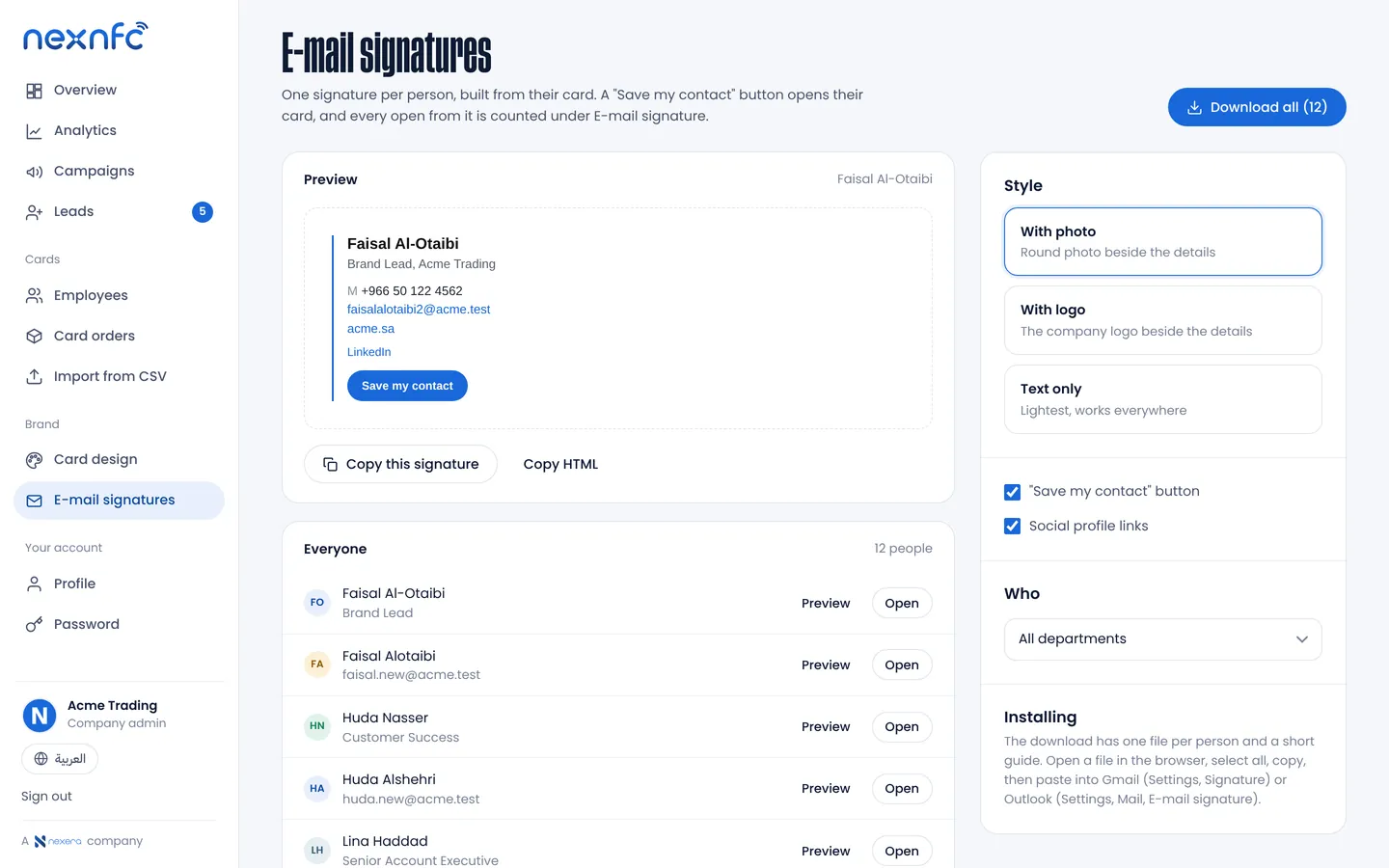
  • E-mail signatures for Outlook and Gmail
  • Meeting backgrounds for Teams, Zoom and Meet
  • Wallet passes e-mailed to the whole team
admin.nexnfc.com
E-mail signatures for every employee in the NexNFC dashboard
admin.nexnfc.com
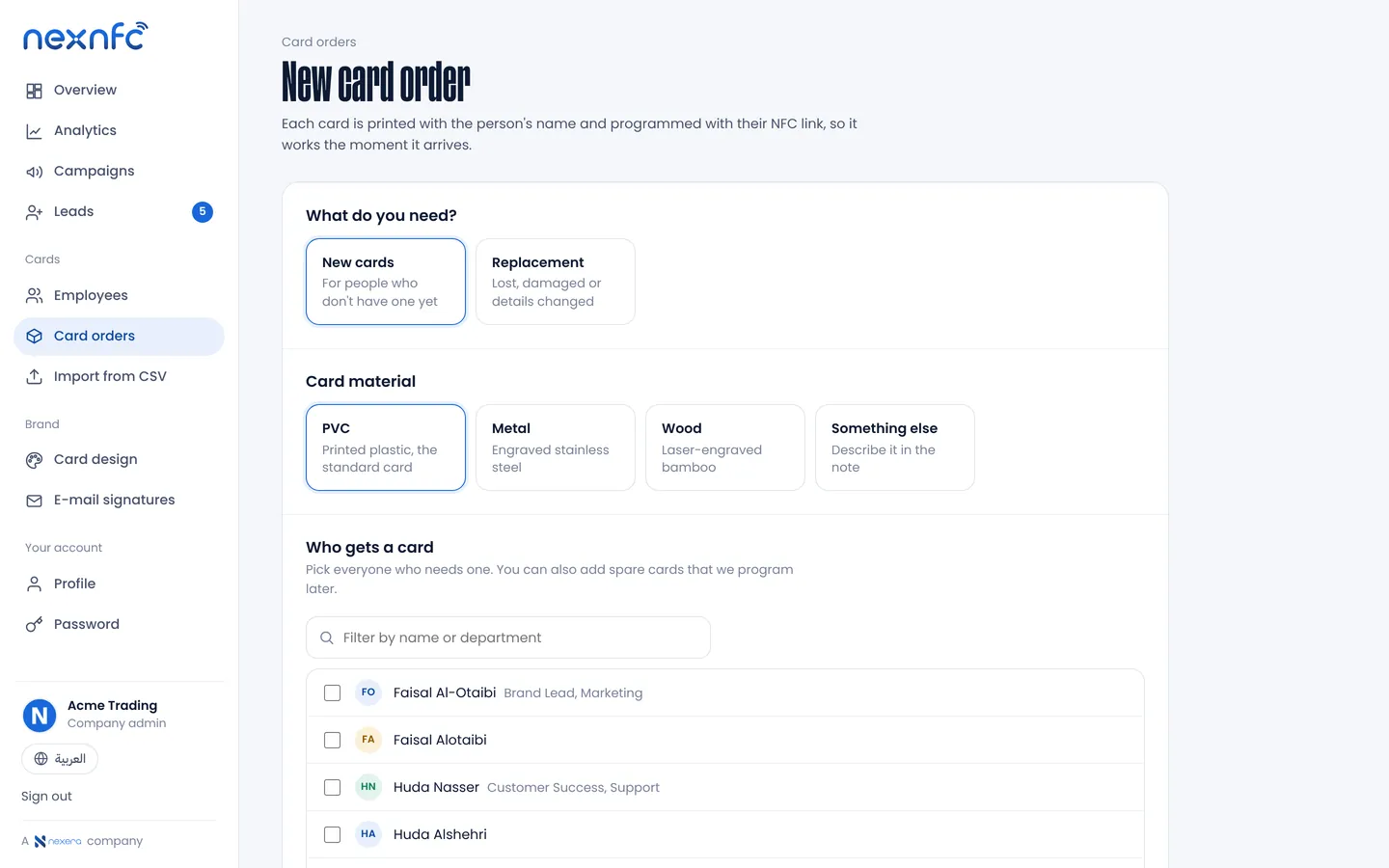
Ordering printed cards in the NexNFC dashboard

Order printed cards

Order cards for new starters and replacements. Their card switches on when the printed card arrives.
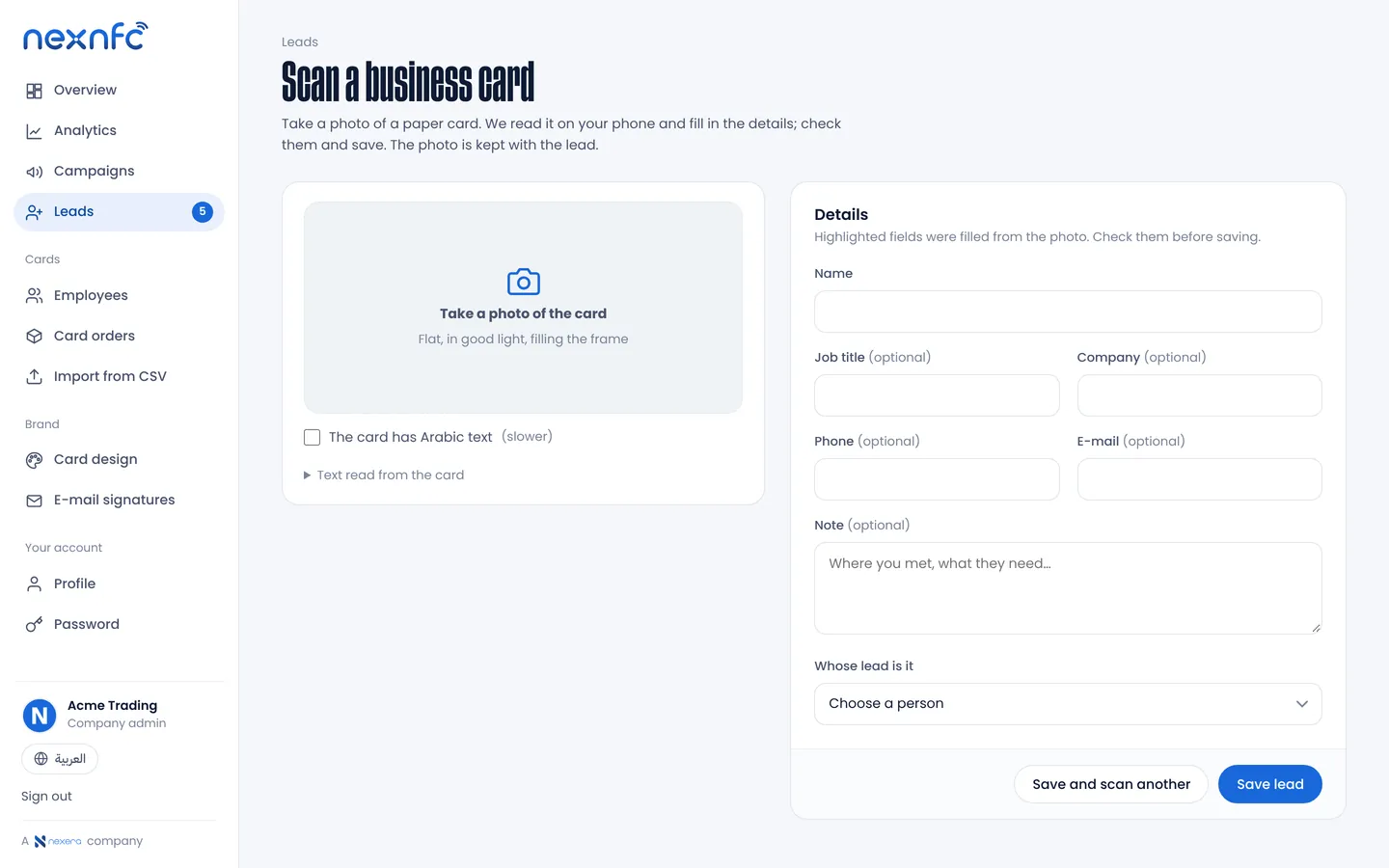
admin.nexnfc.com
Scanning a paper business card in the NexNFC dashboard

Scan paper business cards

Take a photo of a card you were handed. The details are read for you and saved as a lead.

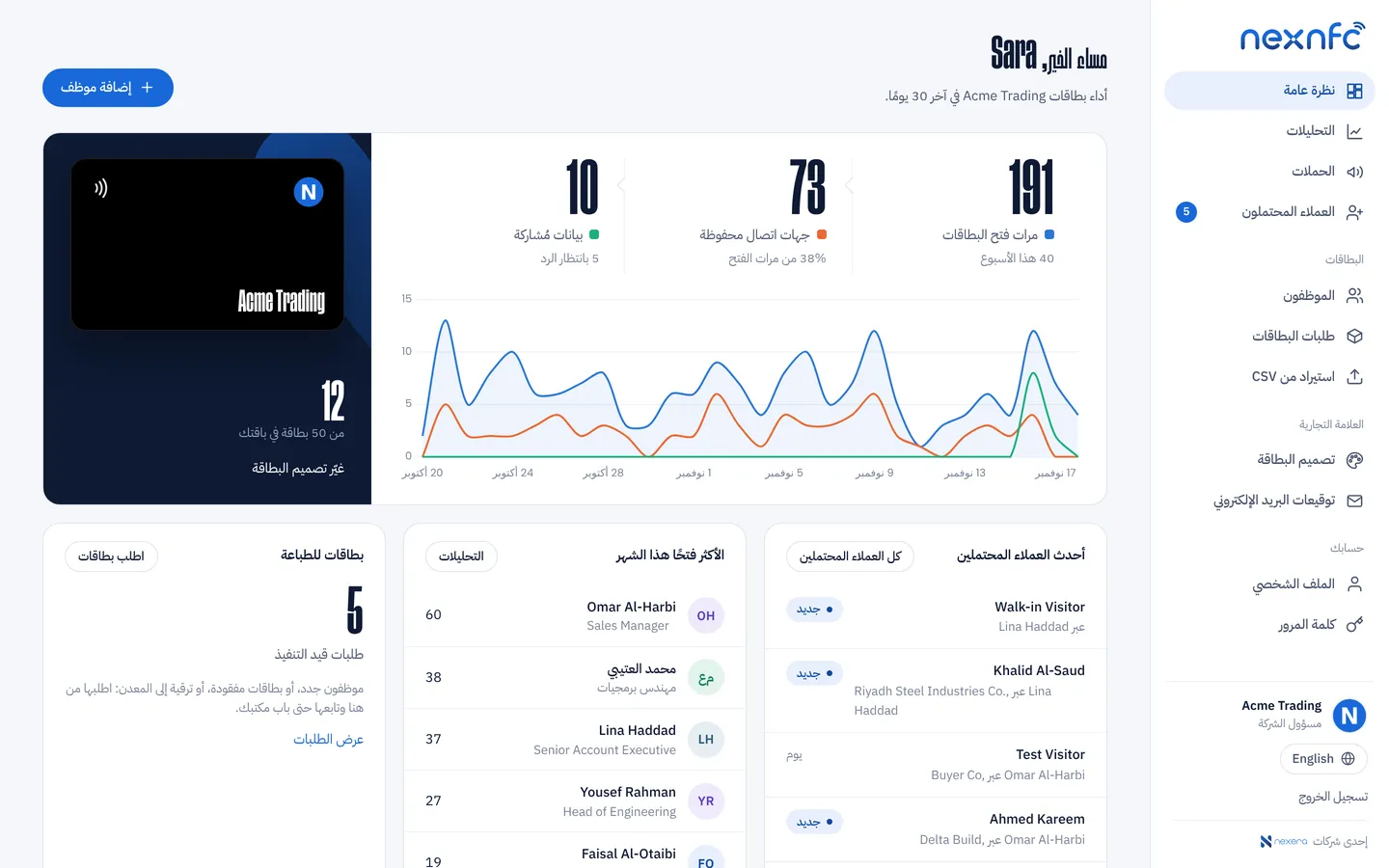
Arabic and English

Fully in Arabic.

لوحة التحكم والبطاقات بالعربية

The dashboard switches to Arabic, right to left, with one click. Every card has an Arabic side, and the vCard saves in Arabic too.

admin.nexnfc.com
The NexNFC dashboard in Arabic
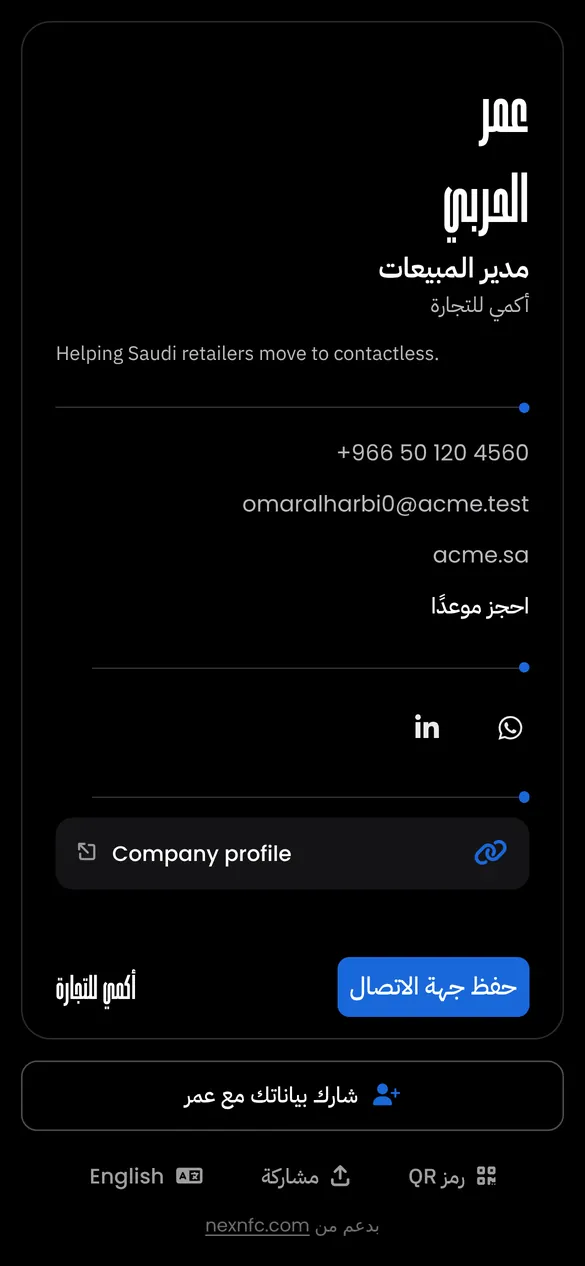
The Arabic side of a digital card
Security

Your team's data, kept safe.

  • Two-step sign-in
    A code by e-mail for every sign-in, switched on for your whole company.
  • Encrypted data
    Leads' messages and scanned card photos are stored encrypted.
  • Access you control
    Employees edit nothing, only their contact details, or their whole card.
  • Sign-ins expire
    People are signed out after 30 days and sign in again.
Rollout

From list to first tap.

Most teams are set up in days, not weeks.

  1. 01

    Send us your team

    A spreadsheet with names, titles and phone numbers.

  2. 02

    We design your company card

    Your colours, logo and layout, for print and screen.

  3. 03

    Approve and print

    Check every card in the dashboard before printing.

  4. 04

    Hand out the cards

    Cards arrive ready. Employees can start tapping the same day.

Integrations

Works with Odoo, Zoho and your CRM.

Connect NexNFC to the systems your company already runs, and cards and leads look after themselves.

  • New starters get their card straight from HR
  • Every lead lands in your CRM within seconds
  • Card analytics flow into your reports
FAQ

Questions from companies.

Anything else? Message us on WhatsApp.

Can employees edit their own cards?

If you allow it. Choose per company: no sign-in, contact details only, or the whole card.

What happens when someone leaves?

Switch their card off, or give the card's link to a new person. The printed card keeps working for its new owner.

Can we order more cards later?

Yes. Order cards for new starters straight from the dashboard. Their digital card switches on when the printed card arrives.

Do we need to install anything?

No. The dashboard runs in the browser at admin.nexnfc.com, on computers and phones.

Is there a minimum team size?

No. Teams of five and companies with hundreds of employees use the same dashboard.
See it with your own team.

Book a 20-minute demo. We'll show you the dashboard with your logo and colours.

+966 59 788 2868 info@nexnfc.com Exit 14, Riyadh, Saudi Arabia